
From one task to a solar system
Set aside time to study, work, or read in Gravity’s black hole scene. Choose your focus and break lengths, link sessions to tasks, and build a solar system as you log focus time.
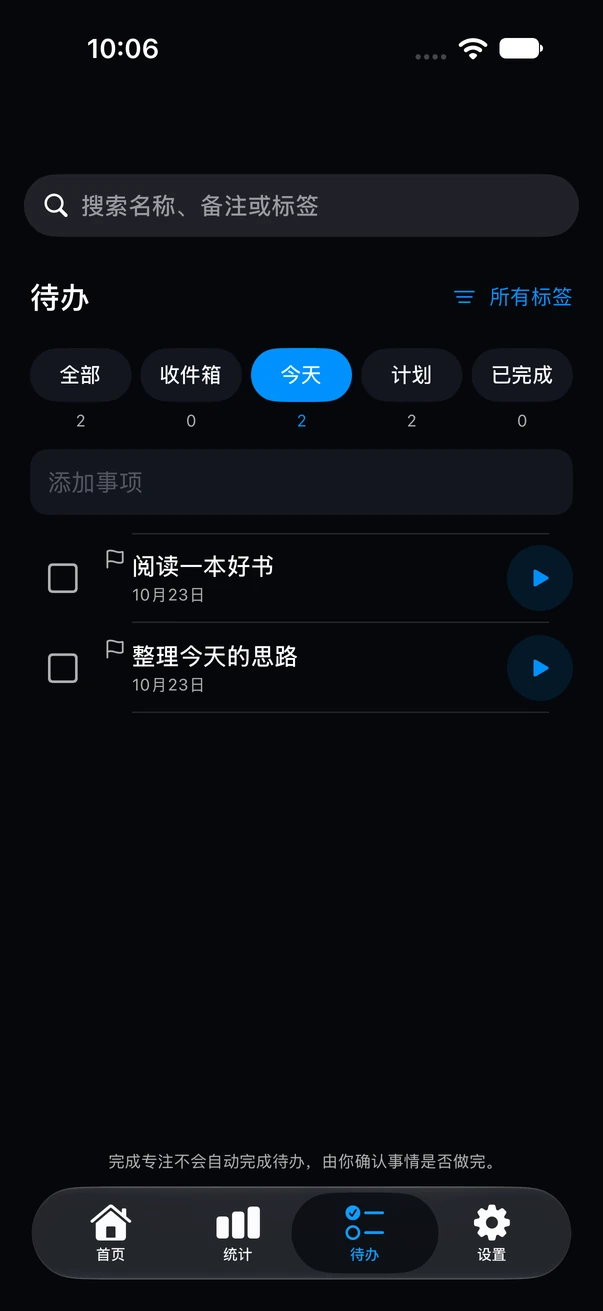
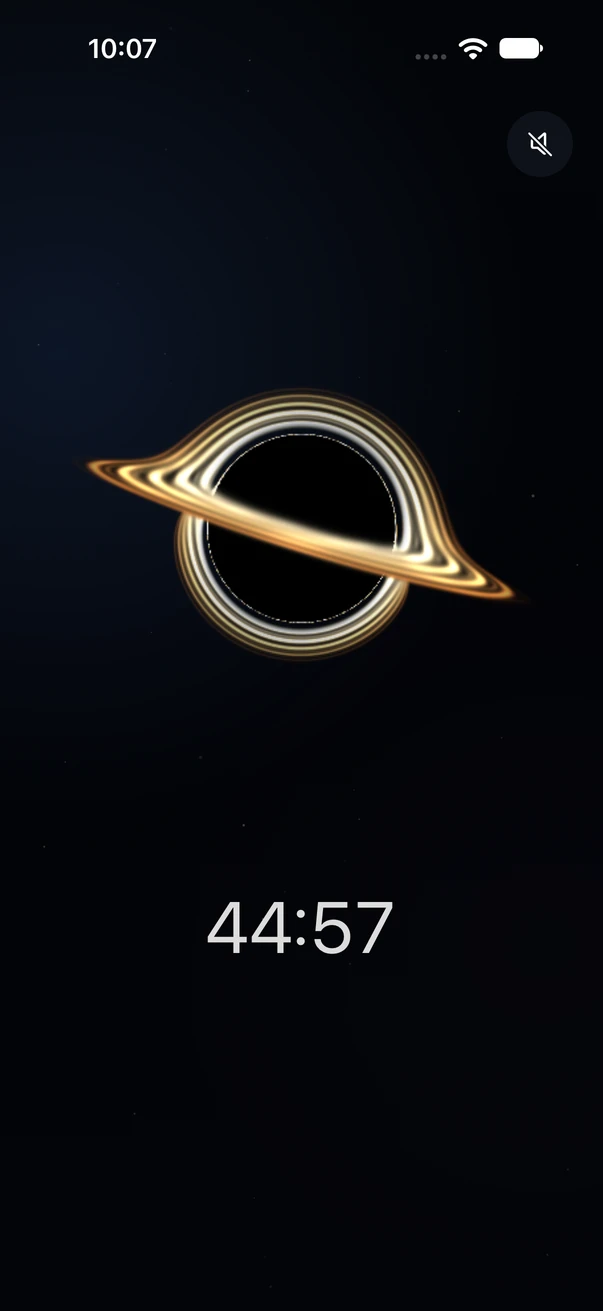
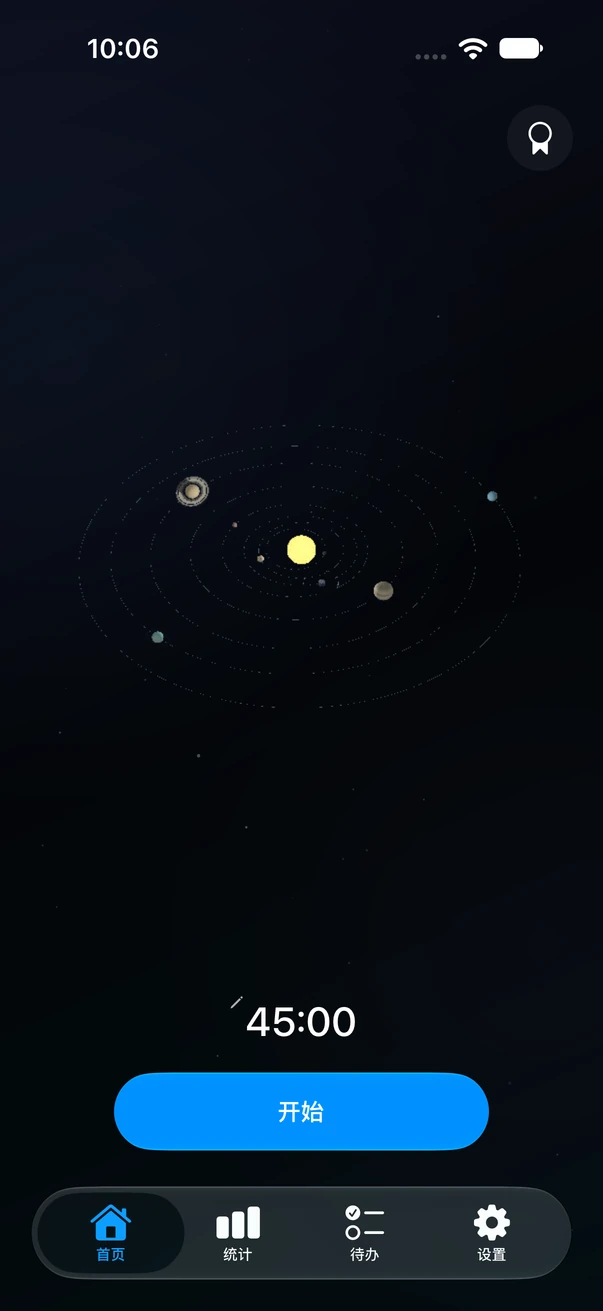
Read one section in a focus session
Choose what you want to finish
Make “review math” concrete. Try “read the first section of Chapter 3, close the book, and write down two ideas.” Put it on your task list and set aside 25 minutes, or choose a shorter section if you have less time.
Use the countdown to see the time remaining or count up to see how long you’ve worked. Both modes support goals from 5 to 180 minutes.
Save the time you spent
Pause if you’re interrupted and resume when you return. If you finish early, end the session and confirm to save it. Sessions ended in under a minute don’t count toward your records or solar system.
Check off the task once you’ve written both ideas. If you’re only halfway through, keep it on the list and pick up from there next time.
Review your focus time
Find a session in Statistics
Open Records in Statistics to revisit saved sessions or see your total focus time. Breaks are tracked separately. After a few days, use the number of pages you actually read to plan your next session.
Export a CSV or make a backup
Records, tasks, and settings are stored on your device. Export a CSV from Settings to review your time in a spreadsheet. Export a full backup to move to another device. Restoring a backup replaces Gravity’s existing data on the receiving device.
Plans and support
Free and Pro
The free version includes the focus timer, tasks, total time, solar system growth, CSV export, and local backups. Pro adds long-term trends and saved timer presets.
Get help
The Chinese help center explains how to find a past session or back up your data before switching phones.